
MEGA
MEGA is a cloud storage and file hosting service from Mega Limited. This page covers the Android app, version 16.12.
291.1 MB

1.0.10 · Ant-ON · Page updated
ZArchiver is a free archive manager for Android by Ant-ON for opening and creating compressed files. This page covers version 1.0.10.
Average 0.0 · ratings: 0
Thank you! Your rating is saved; you can change it. Could not save the rating. Please try again later. Too many ratings from your network today. Please try again tomorrow. The average appears after 5 ratings.
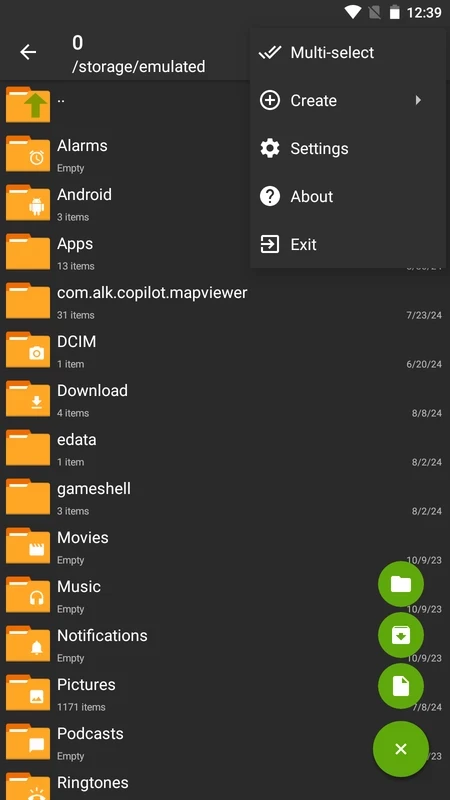
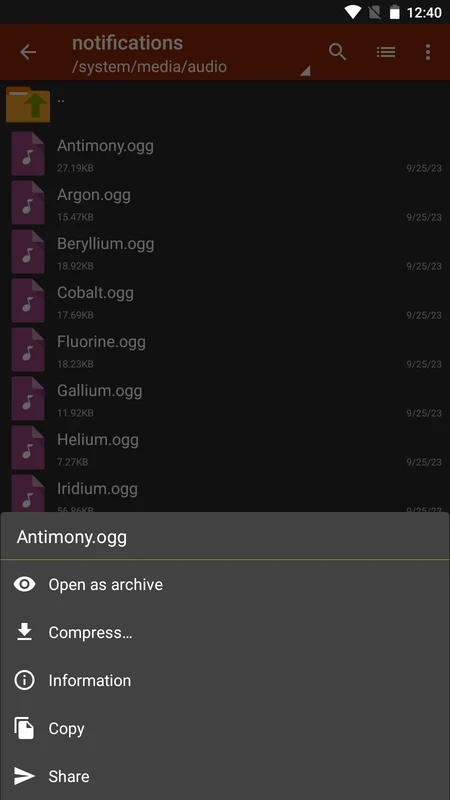
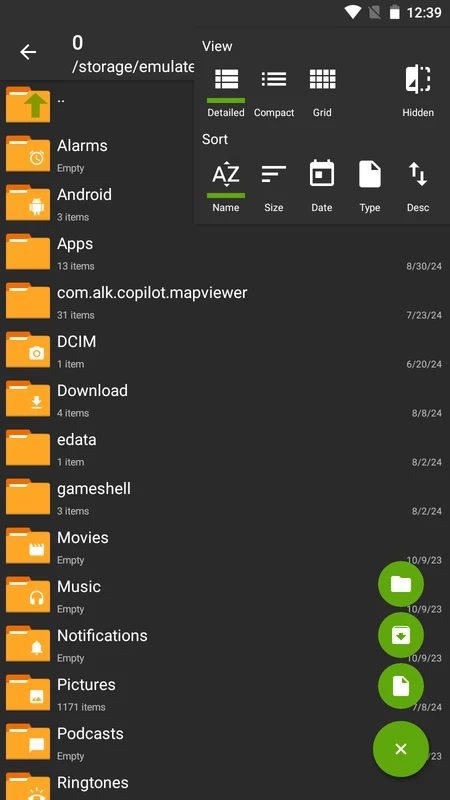
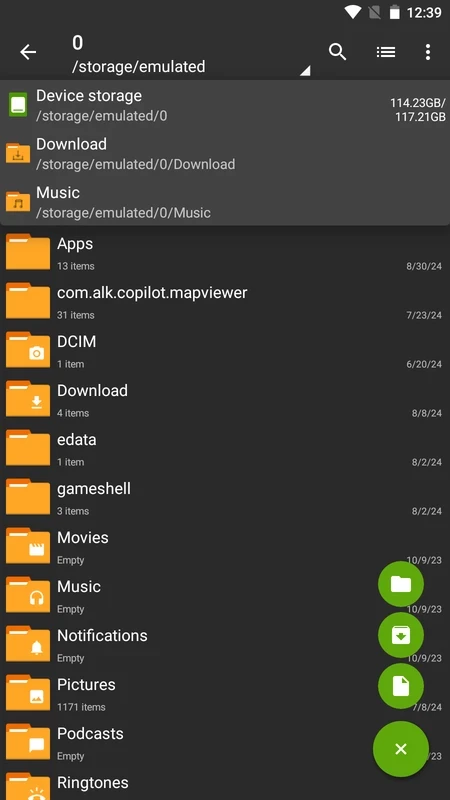
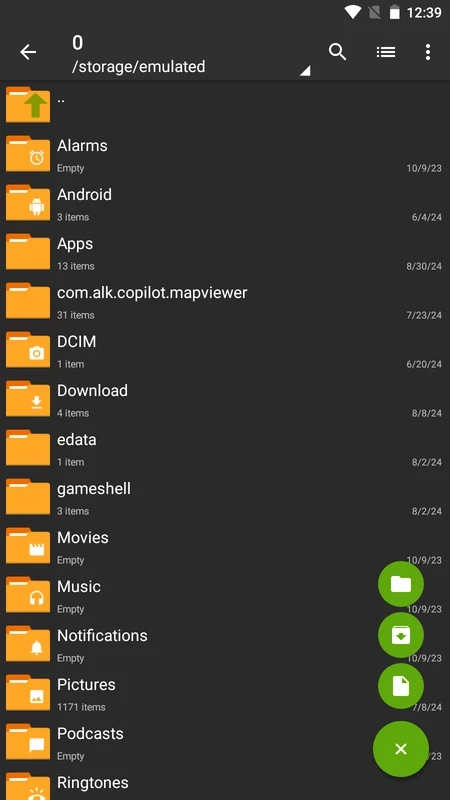
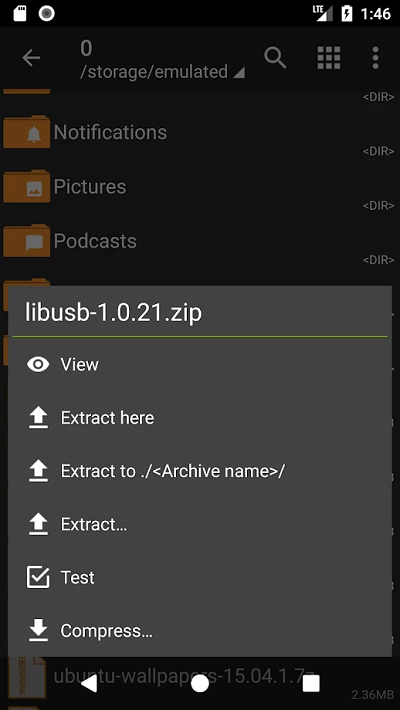
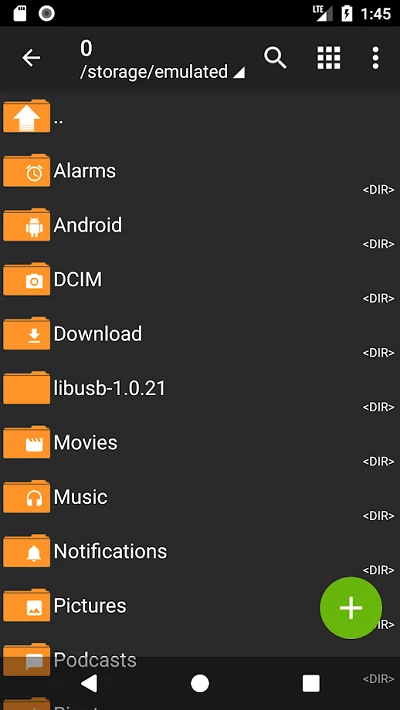
ZArchiver 1.0.10 for Android is a free archive manager by the developer Ant-ON that opens and creates compressed files on your phone or tablet. It is light, easy to install from Google Play and handy whenever you receive a ZIP or another archive by email or messenger; here are the quick facts and a short how-to.
| Item | Details |
|---|---|
| App | ZArchiver |
| Developer | Ant-ON |
| Version | 1.0.10 |
| Platform | Android |
| Licence | Free |
| Category | compression and backup |
| Size | about 5.08 MB according to catalogue data |
| Updated | September 2026 |
Android can show files, but it is not good at dealing with archives. ZArchiver fills that gap: it lists the contents of an archive, extracts everything or just the files you select, and packs files and folders into a new archive when you want to send a batch of photos or documents as one file. It works as a simple file manager too, so you can browse folders, copy, move and delete files from the same screen. People reach for it when a game or app arrives as a split archive, when a work document comes in a compressed attachment, or when they want to free space by packing old files. The app is small and does not need an account, which is part of its long-standing popularity on Android.
Extract big archives onto internal storage rather than a slow memory card, keep the screen on until the job finishes, and make sure you have at least as much free space as the unpacked size. For split archives, keep all parts in the same folder and open the part numbered one.
Other archive and storage apps for Android in our listings: RAR for working with RAR files, and MEGA or Google One if you want to store files in the cloud instead of compressing them.
MEGA is a cloud storage and file hosting service from Mega Limited. This page covers the Android app, version 16.12.

Google One is Google's Android app for managing shared account storage, phone backup and paid storage plans.
RAR for Android is an archive app from Rar Lab for creating and extracting compressed files on your phone.

MediaFire for Android is the mobile app of the MediaFire file hosting service for uploading, storing and sharing files from your phone.
TeraBox for Android is Flextech's cloud storage app for backing up photos, videos and documents from your phone and accessing them later.